Give every number
its own connection.
Pair through WhatsApp’s linked devices, name your numbers and see which connections need attention.
PairingDock connects your WhatsApp numbers to your software with one API, signed webhooks and a clear view of every delivery.
Pair your numbers, connect your applications and follow what happens next. One workspace keeps the moving parts together.
Pair through WhatsApp’s linked devices, name your numbers and see which connections need attention.
Follow the event, delivery attempts and HTTP result. Retry timing and retained history stay visible.
Keep your CRM, support tools and order systems. Send text and media through a straightforward REST API.
Scope keys to a number, set content retention and manage opt-outs. Sending controls stay in your hands.
See your numbers, inspect delivery and keep your applications connected without losing the detail.
Connection state, named number slots and workspace controls sit together. See what needs attention before opening an individual connection.
Open your workspace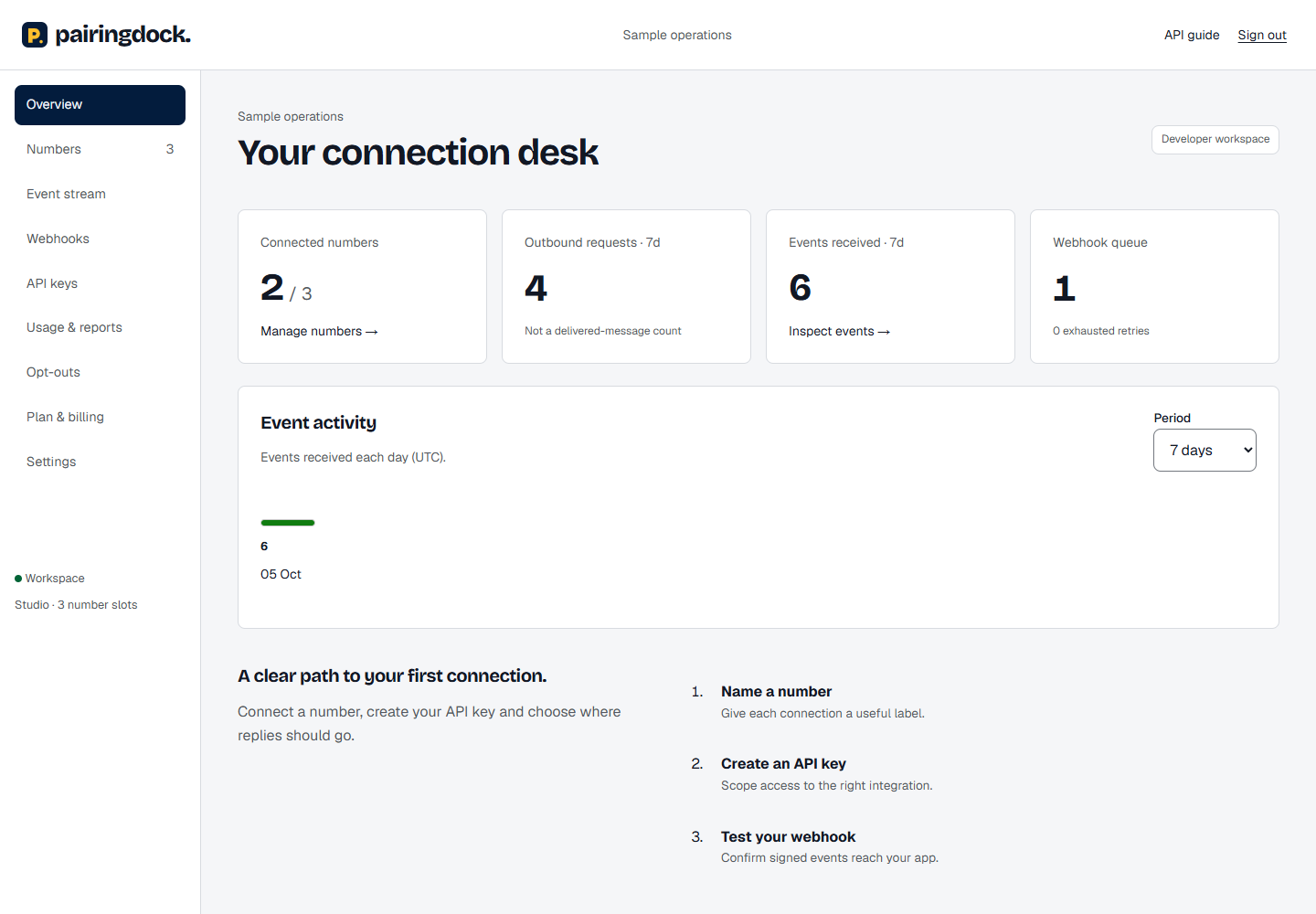
Inspect attempts, HTTP results and retry timing. Test your receiver without sending a message, then replay a retained event when your application is ready.
Explore webhook delivery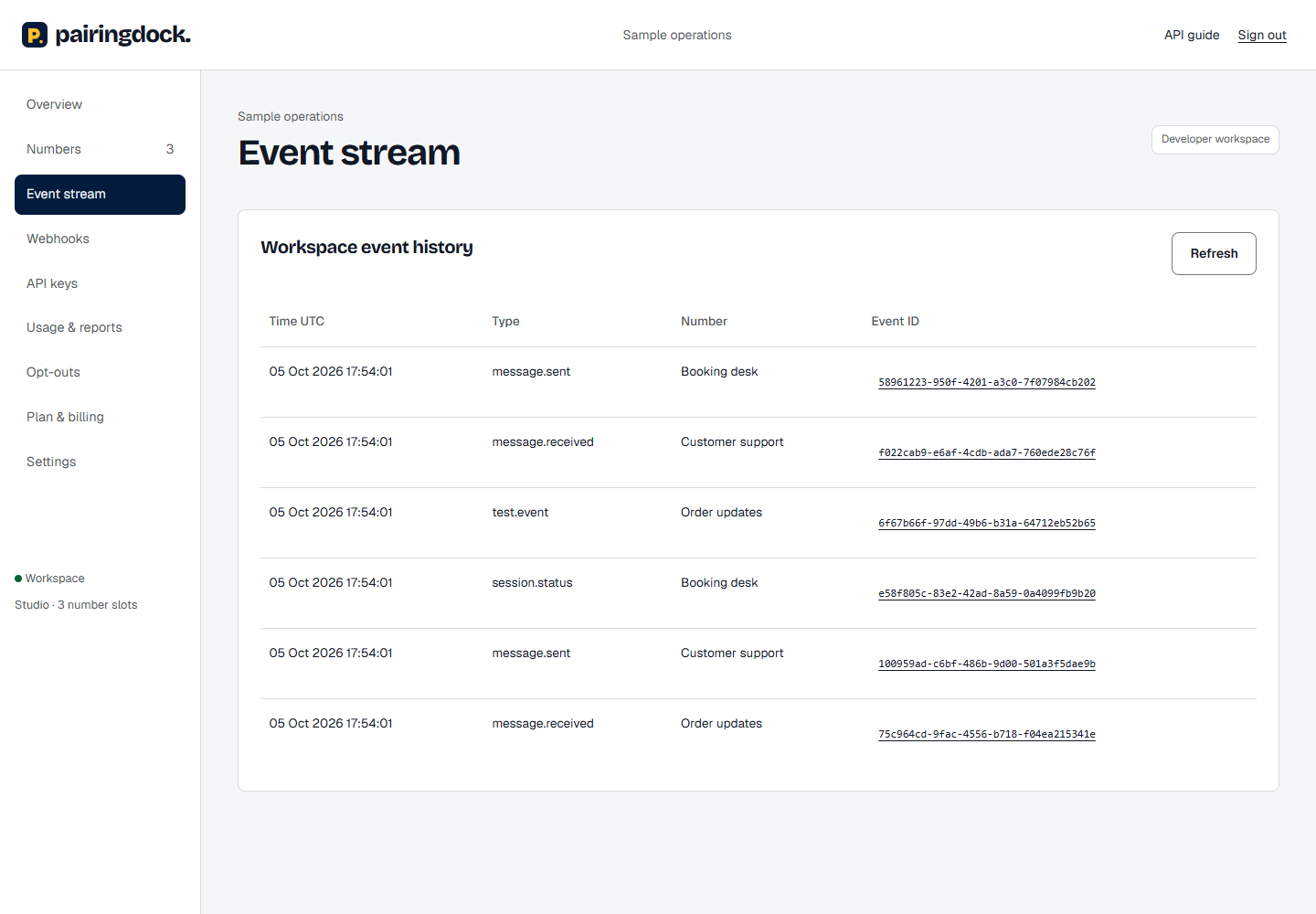
Bring WhatsApp into the systems you already use. PairingDock handles the connection; your software owns the workflow.
 WhatsApp
Bring your own WhatsApp account. Choose the number of connections your business needs.
1 number$15/ month
Create workspace3 numbers$39/ month
Create workspace10 numbers$99/ month
Create workspace50 numbers$399/ month
Create workspace100 numbers$699/ month
Create workspaceIndicative monthly pricing in USD. Billing is not enabled during private preview. Plans reserve connected-number slots, not phone numbers.
Know the channel, the controls and what to expect before you connect.
Read the API guideNo. PairingDock is an independent linked-device integration and is not affiliated with WhatsApp or Meta. Platform restrictions, service changes or account suspension are possible. Use the official Business Platform where policy compliance and a supported channel are mandatory.
Yes. Each workspace has number slots. Every connection gets its own identifier, state and delivery trail. Choose the number of connections your business needs.
No. PairingDock is for opted-in conversations and transactional integrations. Unsolicited outreach, scraped recipient lists and attempts to evade WhatsApp restrictions are not allowed.
Delivery retries use backoff, with a maximum of eight attempts. Failed deliveries remain visible for inspection and manual replay while their content is retained. Receivers must deduplicate by event ID.
Yes. Verify your workspace email, add a public HTTPS webhook and generate a clearly labelled test event. That test sends no WhatsApp message.
Give your software a connection to the conversations your customers already use.